
How to make changes to your WP Tasty account
How do I log into WP Tasty?
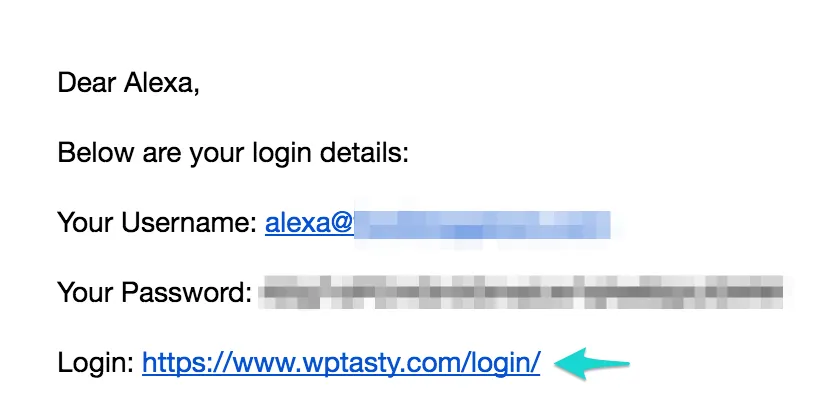
- Find the email in your inbox with the subject: [WP Tasty] Your username and password
- Use the link to login with your email and provided password
If you wish to change your password, see How do I change my password? for help.
How do I change my email address for WP Tasty?
- Log into WP Tasty
- On the Profile page, enter your new email in the Primary Email Address field and click Save Changes.

Your email address has been changed!
How do I change my billing information?
To update your billing information:
- Log into WP Tasty.
- Go to the Billing page.
- Scroll down to the Payment Method section. If you do not have a subscription, this section won’t show up for you.
- Click the Update button for the card you would like to change and enter your new payment information.
