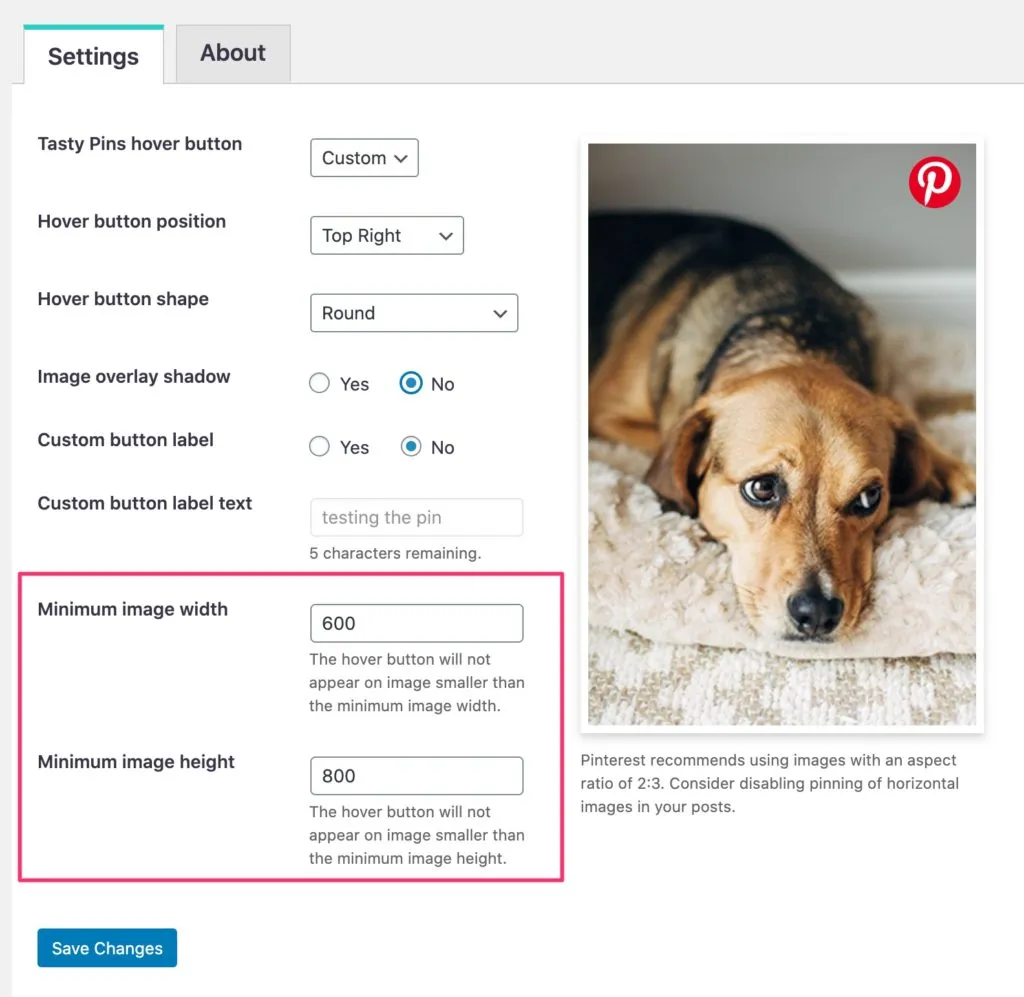
disable pinning
Disable Pinning on Certain Images
Learn more about how to disable pinning on individual images within your post with just a checkbox through Tasty Pins here!
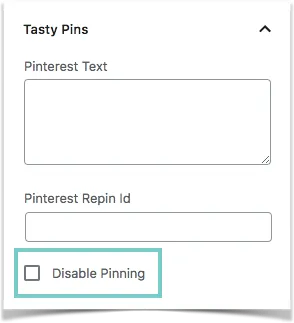
Not all images in a post are Pinterest-worthy, so Tasty Pins makes it easy for you to disable pinning on those images. How easy, you ask?
All it takes is a checkbox! You can tick this off when you either upload a new image or edit an existing image within a post. This will prevent the hover button from appearing over that image so your readers won’t have the option of pinning it.
What if the image I want to disable is outside of my post?
With Tasty Pins you can also disable images outside of your post. Just below the hover button customization options, you’ll notice two fields for minimum image width and height. These fields let you disable pinning on smaller images.
In this example, it’s set to a minimum image width of 600px. That means that any image smaller than 600 pixels wide will not be pinnable.