
Slickstream Favorites Button for Tasty Recipes
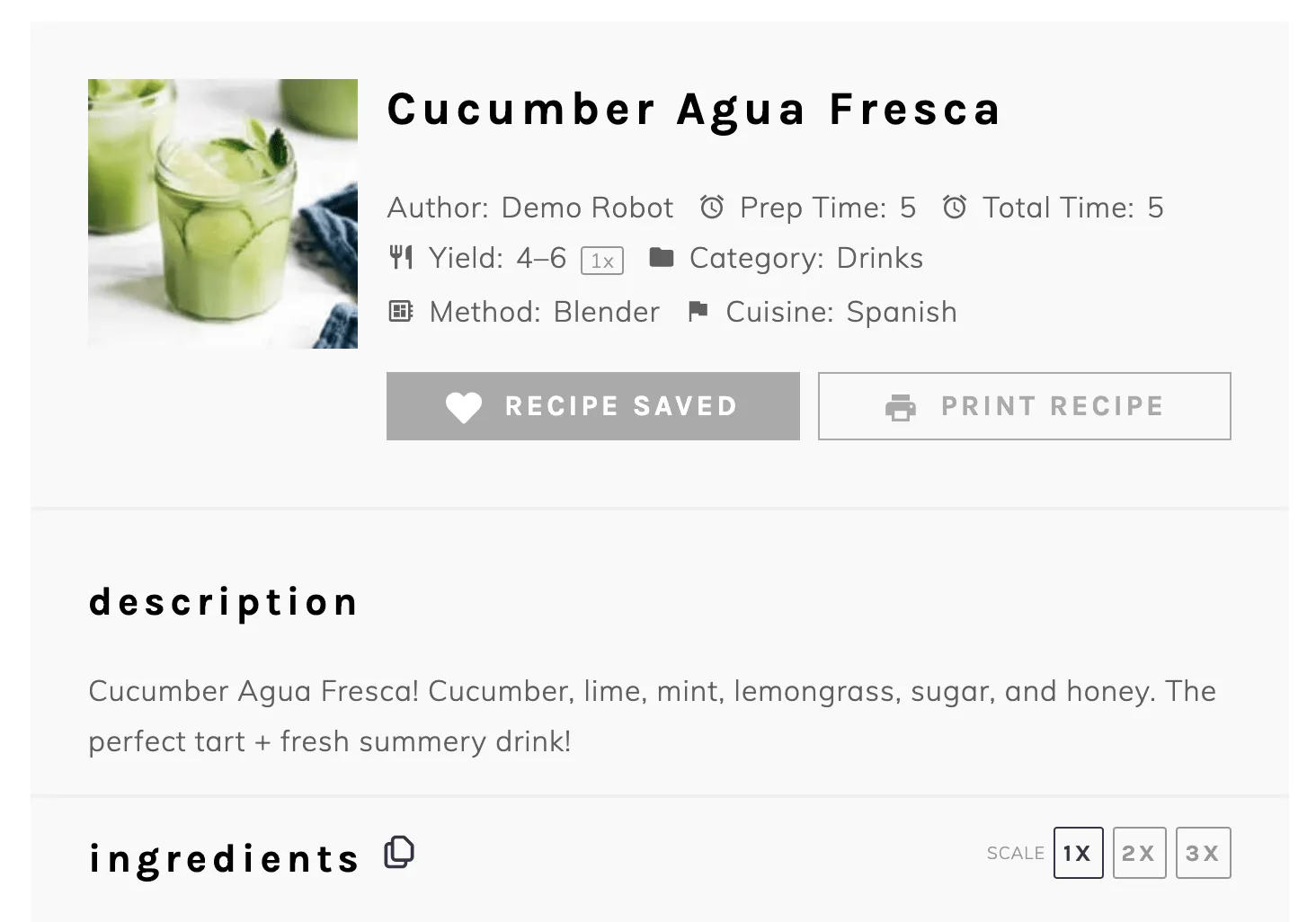
Tasty Recipes works with Slickstream Favorites. Turn it on and your recipe card gets a Save Recipe button. Readers click it, and it changes to Recipe Saved.
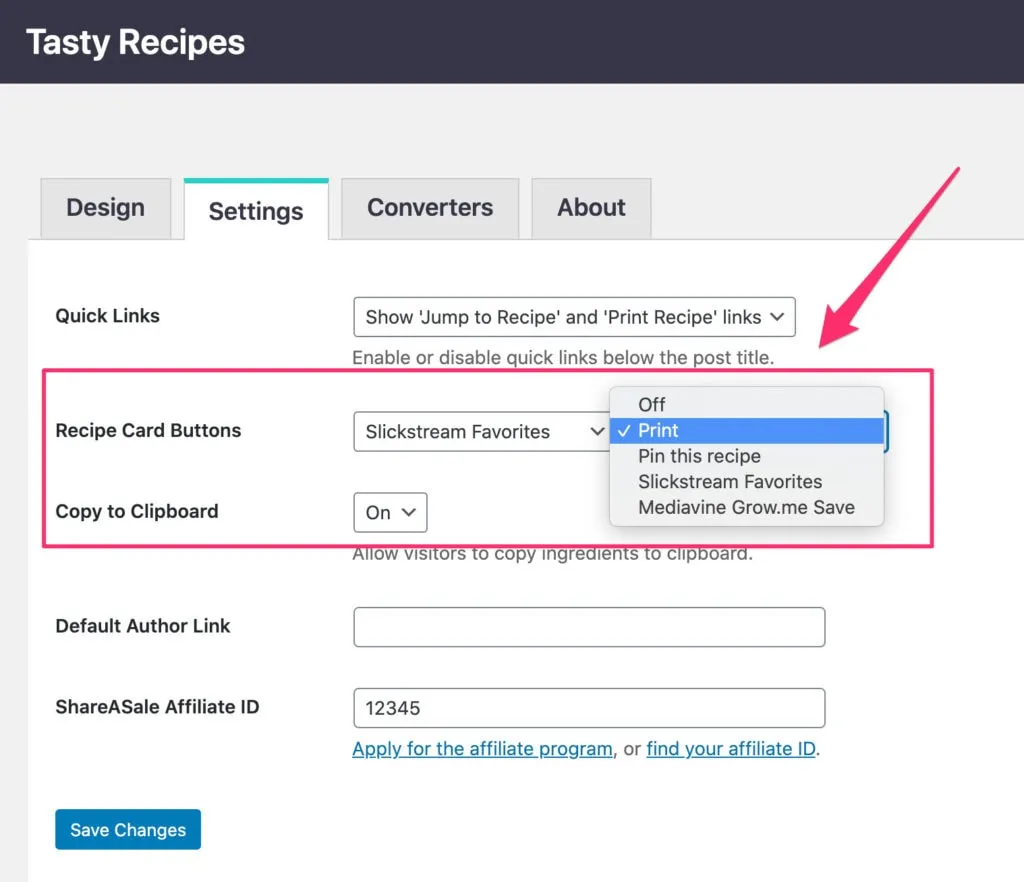
Choose your recipe card buttons
You can show one or two custom buttons on your recipe card, or turn them off. Choose from:
- Slickstream Favorites
- Mediavine Grow.me
What you need
- Tasty Recipes Pro. The Slickstream integration is a Pro feature.
- A Slickstream account. New signups may not be accepted at this time.
- The Slickstream engagement plugin.
Once the Slickstream plugin is installed, Slickstream Favorites becomes available in your Tasty Recipes button settings.
Read the support doc for the full steps on how to set up a Slickstream Favorites button.
