How do I add a Tasty Recipe to my post?
Block Editor:
- Log into your WordPress dashboard
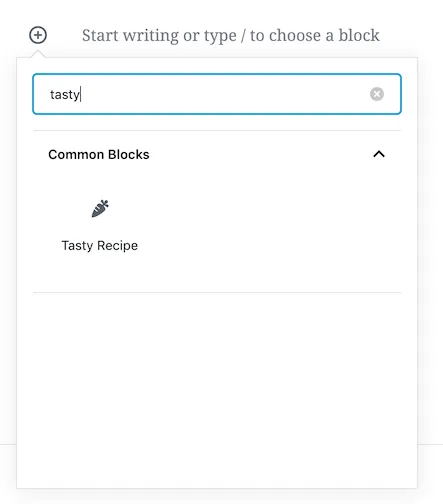
- Navigate to your post and click the (+) button to add a new block.
- Search for “Tasty Recipe” and select the block.
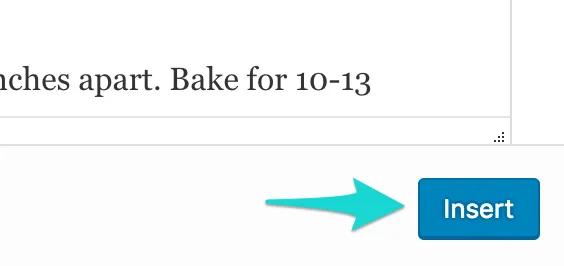
- Fill out your recipe details, and then click the Insert button.
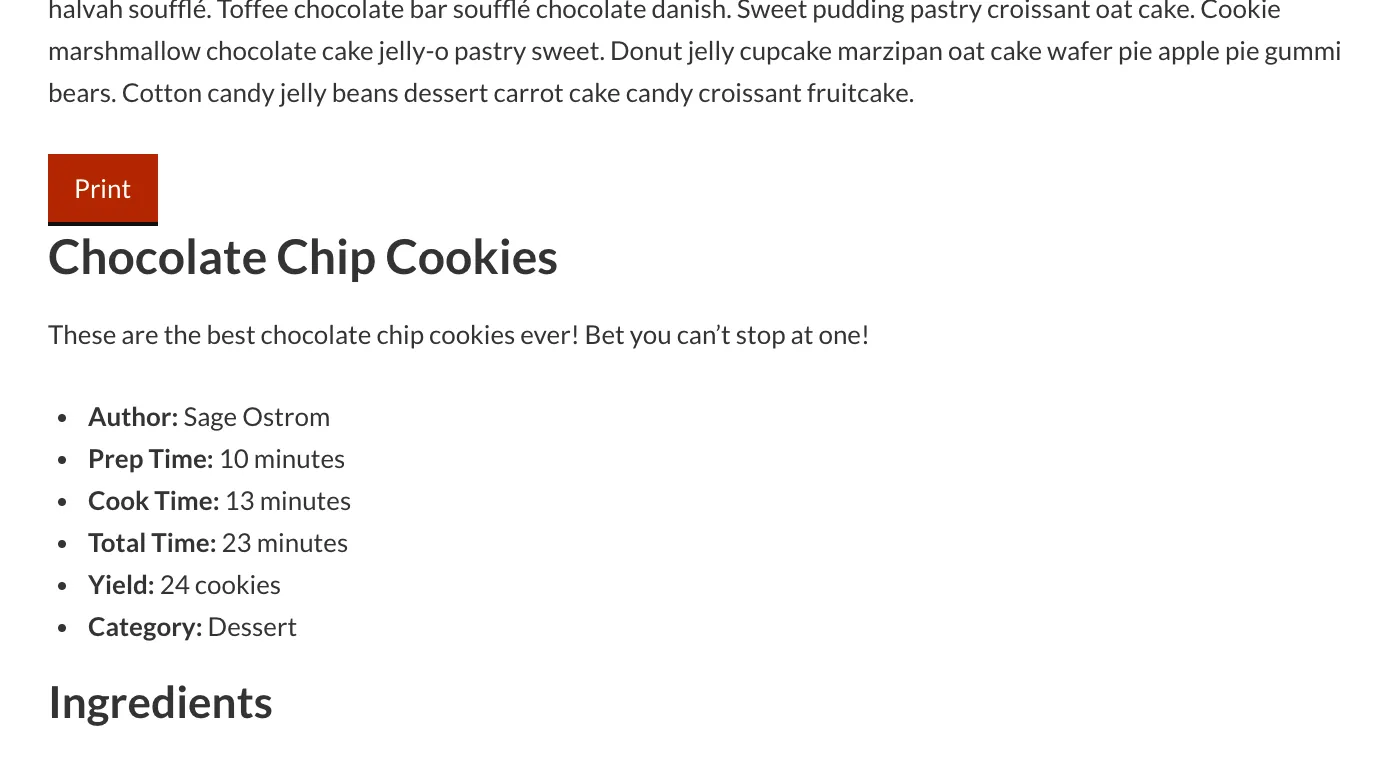
- Your recipe has been inserted in your post! You can see the preview on the post editor page:
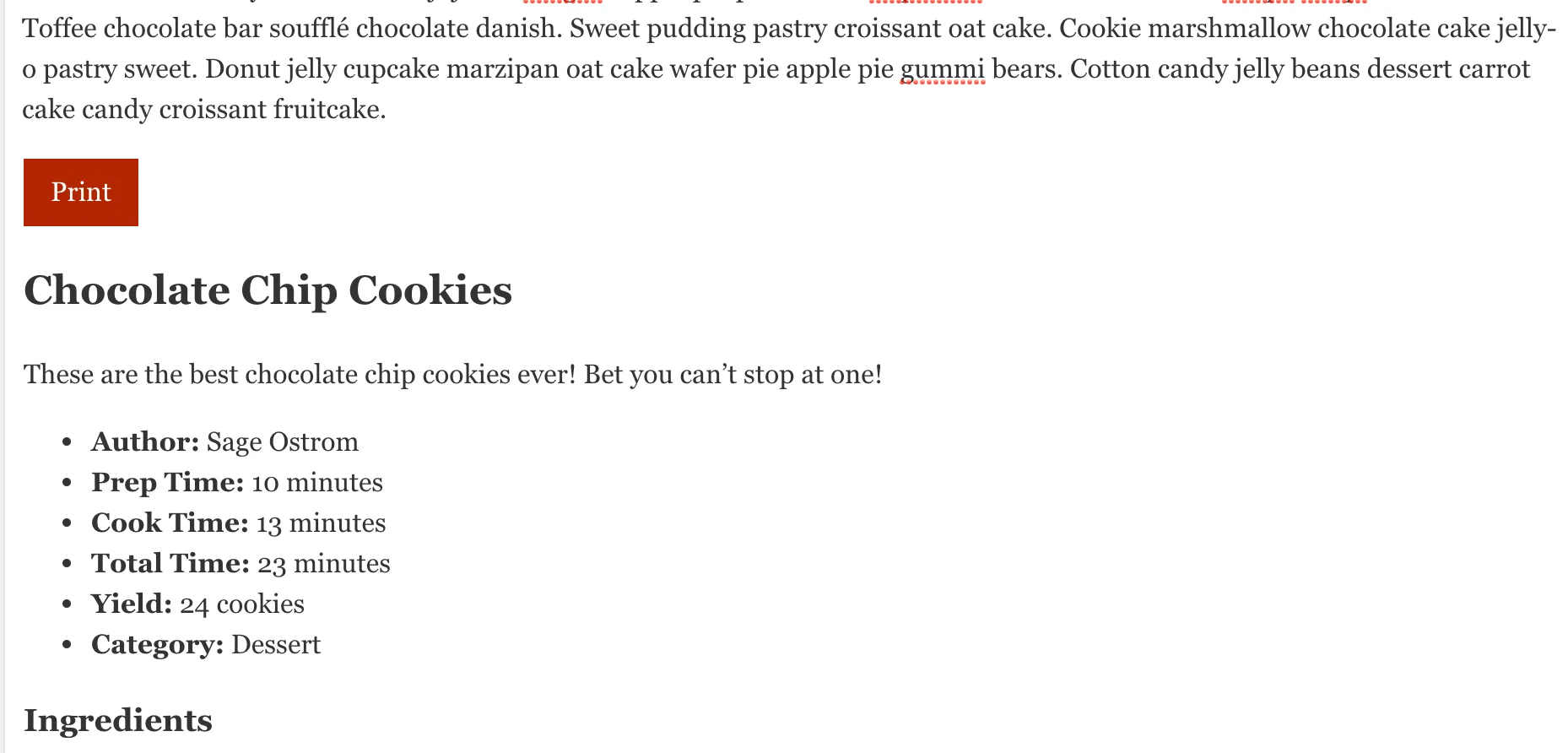
- …or on your site after you click Preview or Publish
Classic Editor:
- Log into your WordPress dashboard
- Navigate to your post
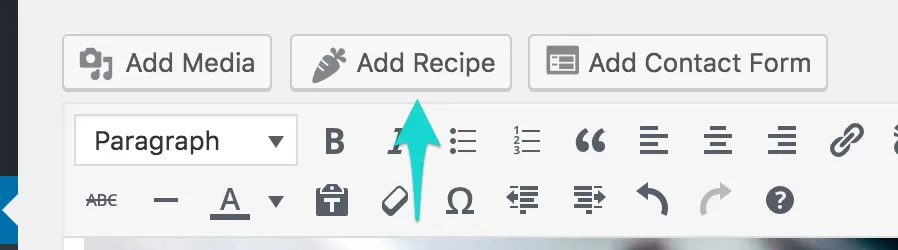
- Place your cursor where you’d like the recipe to go, and then click the Add Recipe button. Continue with Step 4 above.