
How to customize the color of your recipe card icons
We understand that the default colors of the recipe card templates may not work well with the design of your site, including the icons. Here’s how to update those colors using a little custom CSS.
To update the color of icons at the top of the recipe card, use the custom CSS below.
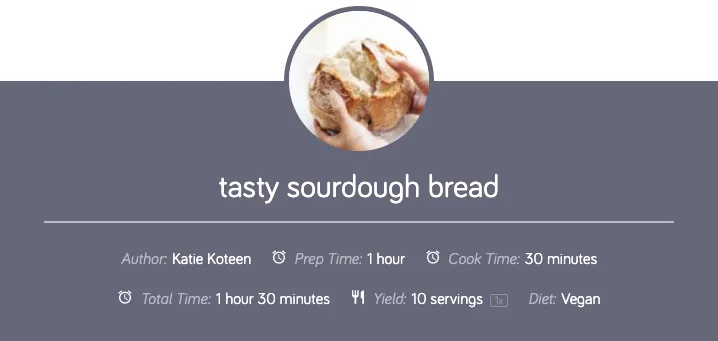
CSS:
.tasty-recipes-entry-header .tasty-recipes-details .detail-icon {
color: #ADDCOLOR;
}
To update the color of the icons at the bottom of the recipe card, use the custom CSS below.
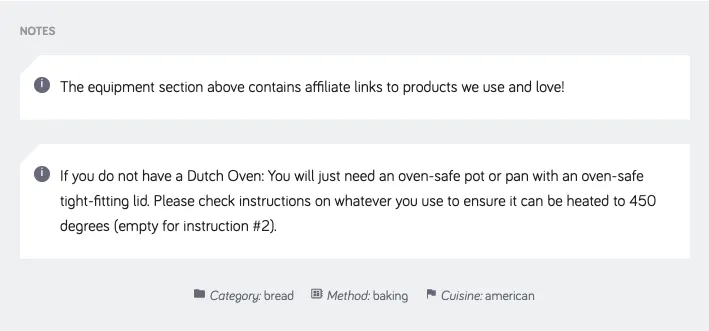
CSS:
.tasty-recipes-entry-content .tasty-recipes-other-details .detail-icon {
color: #ADDCOLOR;
}
For more information on adding custom CSS, check out this support article:
