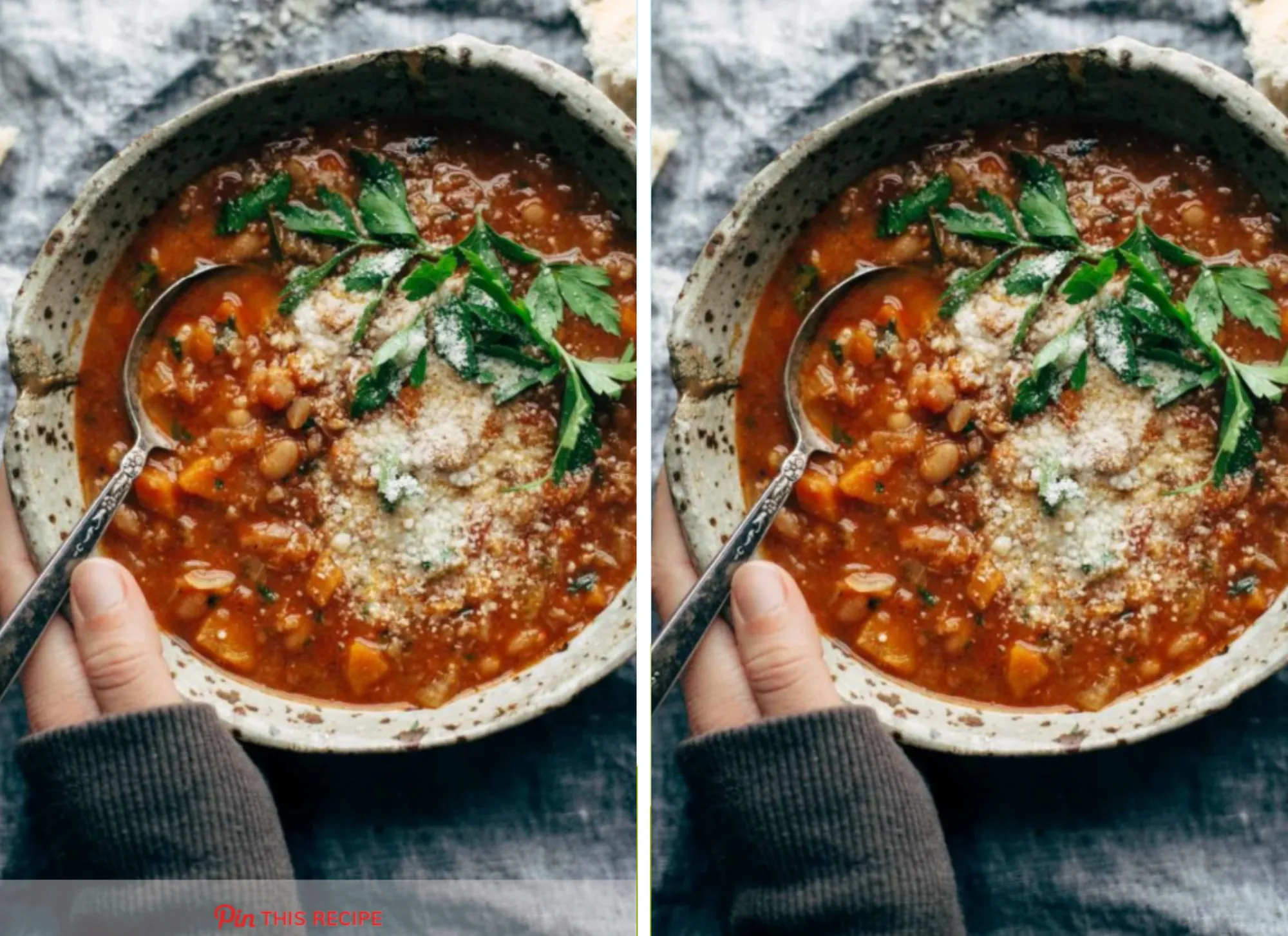
How to disable the Pinterest banner on an single post
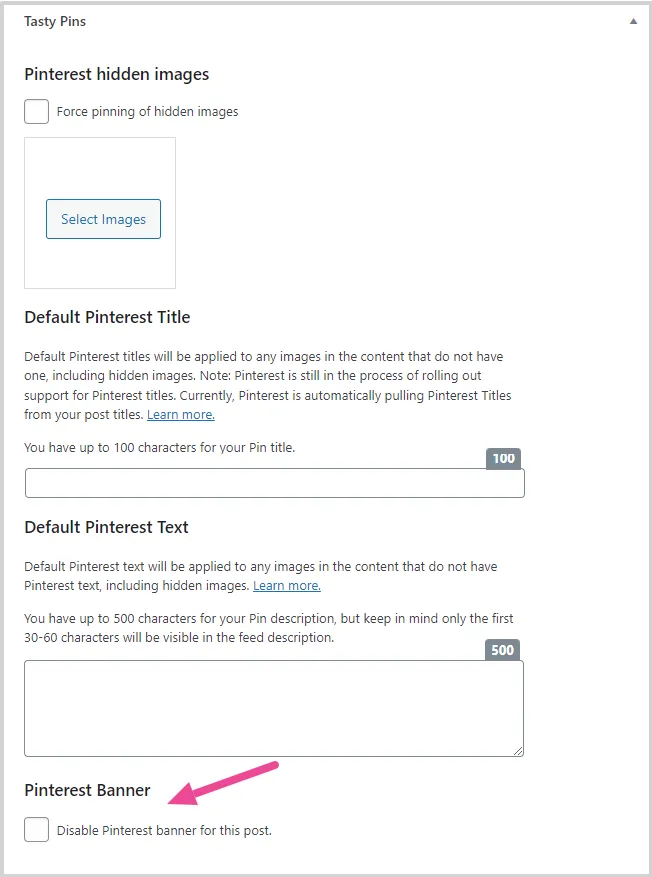
If you would rather not use Pinterest Banner on a post, you can disable it easily disable it with the checkbox in Tasty Pins section at the bottom of your editor.
Scroll down until you see the Tasty Pins section under your editor. Under the Default Pinterest Text, you’ll see the “Disable Pinterest banner for this post” checkbox.
Check the box to prevent the banner from showing up on your post’s first image.
After you check the box to disable the Pinterest banner and save your changes, the banner will disappear from your post’s image.