
How do I switch over to another recipe card template?
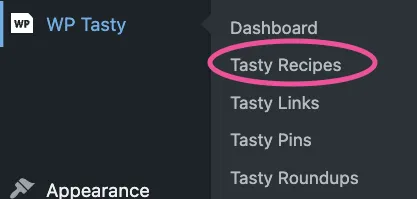
Switching over to another recipe card template is super easy - just go to WP Tasty ➡ Tasty Recipes ➡ Design and select a style from the options.
Then, select the template you’d like to use by clicking the arrows and make sure to save your changes:
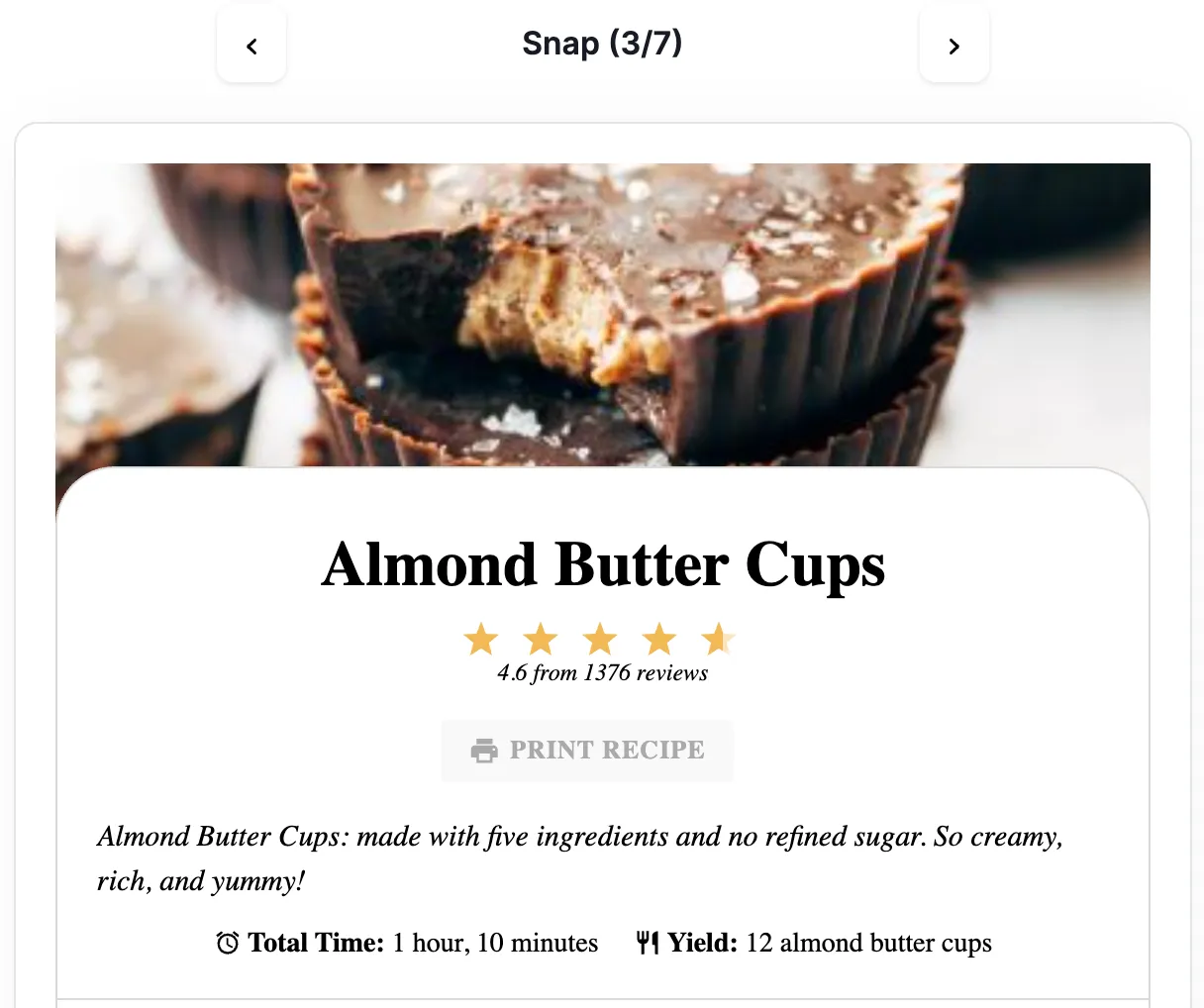
And that’s it! If you’re curious about what each recipe card template looks like, check out this article.
