
How to use Nutrifox plain text instead of labels
If you’re using Nutrifox with Tasty Recipes, you now have the option to add your nutritional information as plain text or as a label (iframe).
Go to the Design Tab of your Tasty Recipes Settings. Then, scroll down to just below the Star Rating settings. There, you can set the Nutrifox Display options.
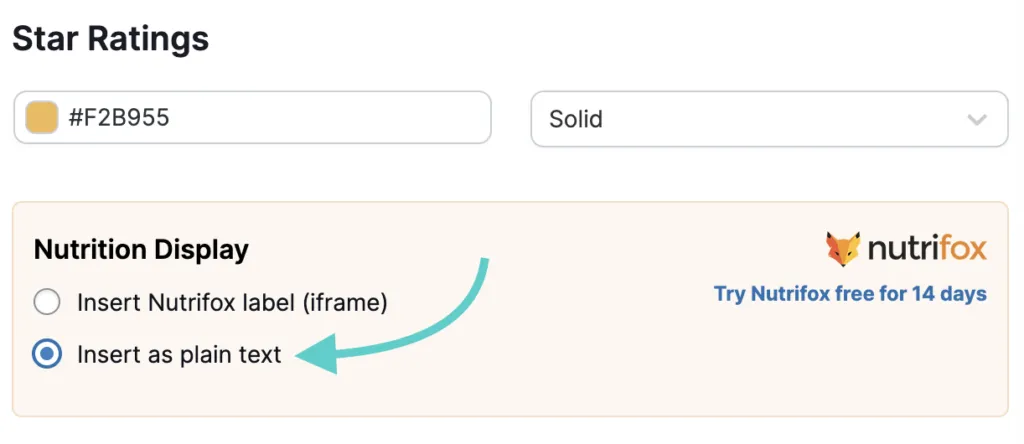
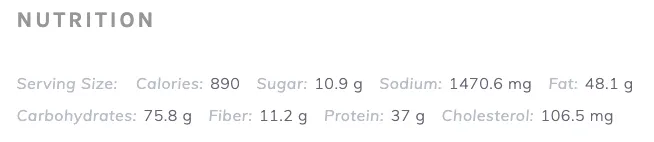
Once you click on the “Insert as Plain Text” option, your nutritional information will look similar to this inside your recipe card:
Note:
You will need an active Nutrifox subscription to take advantage of this feature.
If you have existing recipe labels on your site, you’ll need to re-save the recipe to update the format.
