How do I add the affiliate attribution to my recipe cards?
The WP Tasty affiliate program allows you to earn money for recommending WP Tasty products.
Tasty Recipes provides an easy way to add affiliate attribution to your recipe cards to make sharing your affiliate link easy.
First, find your ShareASale affiliate ID. Then, navigate to WP Tasty → Tasty Recipes → Settings in your WordPress dashboard. Find the field for ShareASale Affiliate ID, which should be at the very bottom, and paste your affiliate ID into that field.

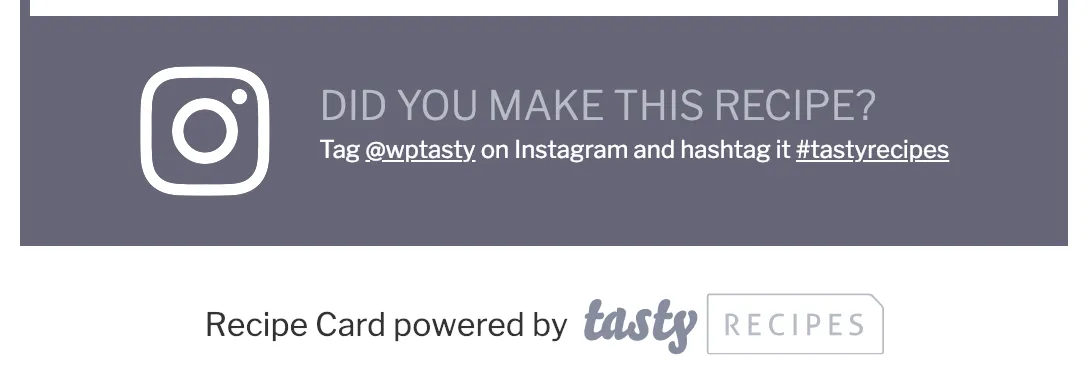
Save the settings. You’ll now see an affiliate attribution show up below all your recipe cards: