
How to Find your Affiliate Link
Your affiliate link is found directly in your WP Tasty account — no third-party platform needed.
Step 1: Log in to your WP Tasty account at wptasty.com/account.
Step 2: Click Affiliates in the account navigation menu.
Step 3: You’ll land in the Affiliate Area. Under the Affiliate URLs tab, you’ll see your unique affiliate link. Click Copy Link to copy it to your clipboard.
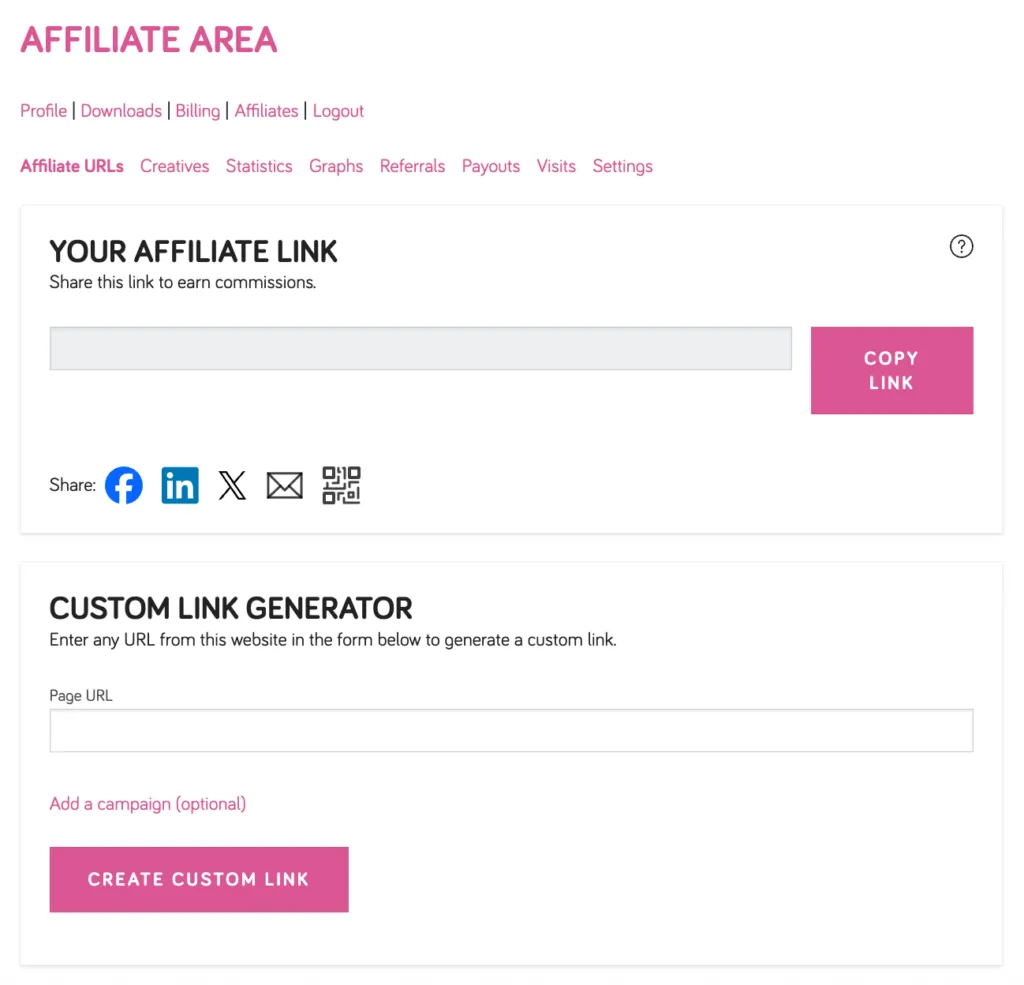
You can also use the Custom Link Generator to create an affiliate link pointing to any specific page on the WP Tasty website.
