
How do I check my affiliate earnings?
All earnings are tracked directly in your WP Tasty Affiliate Area.
Step 1: Log in at wptasty.com/account and click Affiliates.
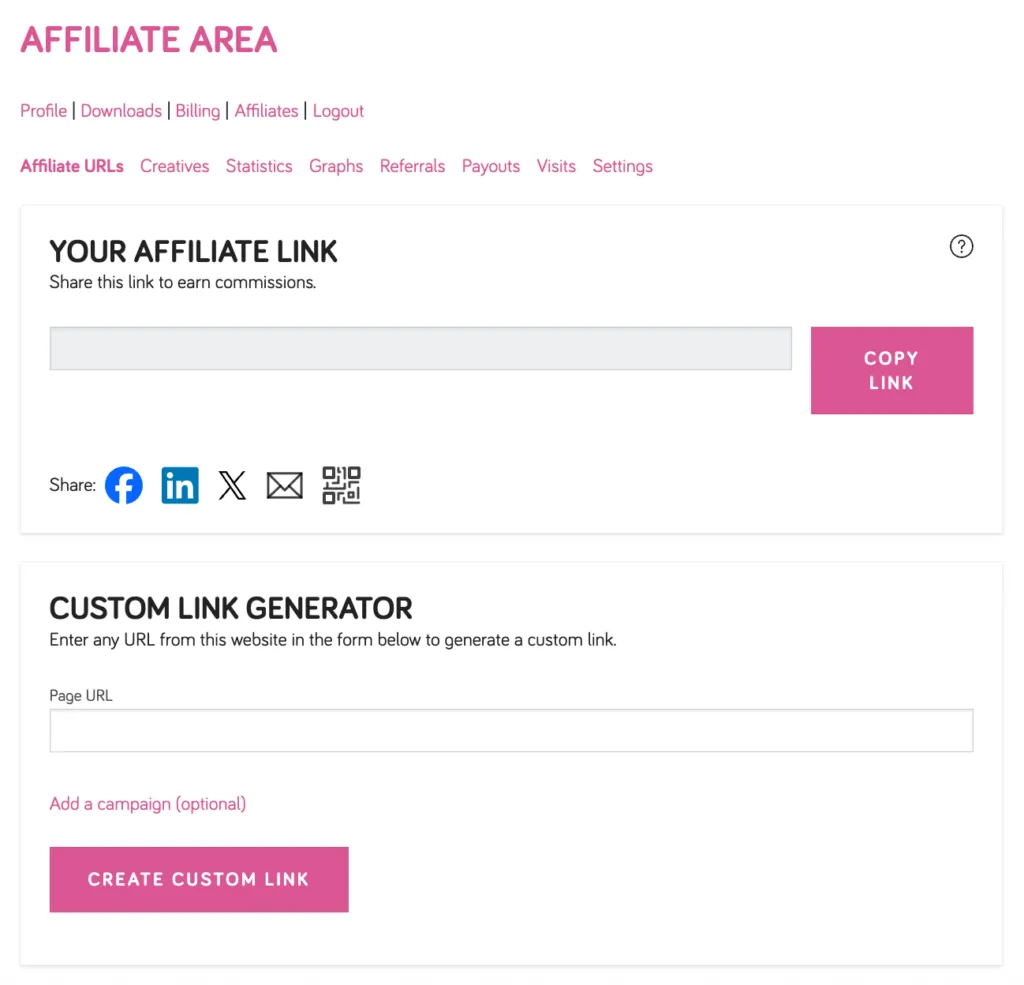
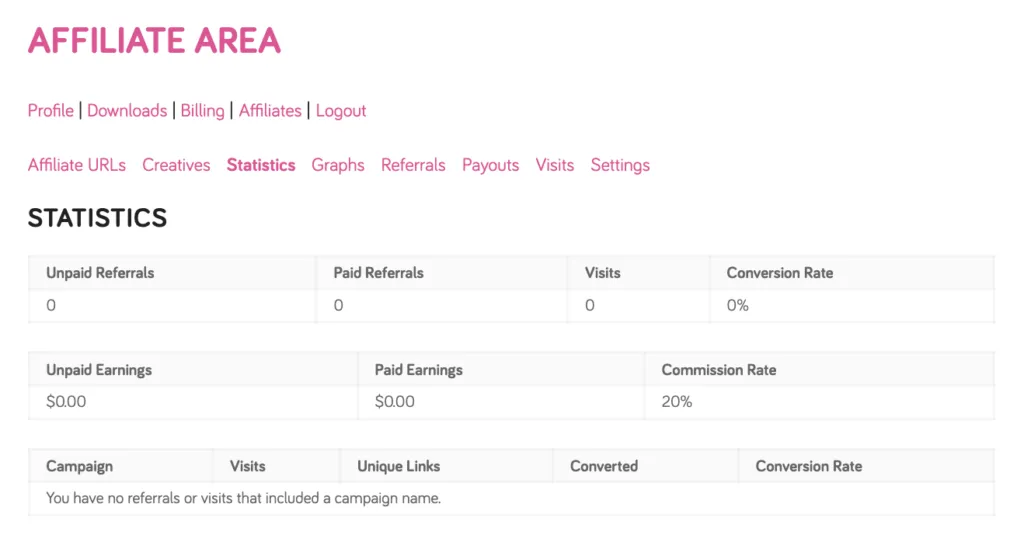
Step 2: Click the Statistics tab to see:
- Unpaid and Paid Referrals
- Visits and Conversion Rate
- Unpaid and Paid Earnings
- Your Commission Rate (20%)
Step 3: Click the Referrals tab for a detailed breakdown of individual referrals, or the Payouts tab to view your payment history.
