
How do I get an affiliate banner?
WP Tasty provides banner images directly in your Affiliate Area — no design work needed.
Step 1: Log in to your WP Tasty account at wptasty.com/account and click Affiliates.
Step 2: In the Affiliate Area, click the Creatives tab.
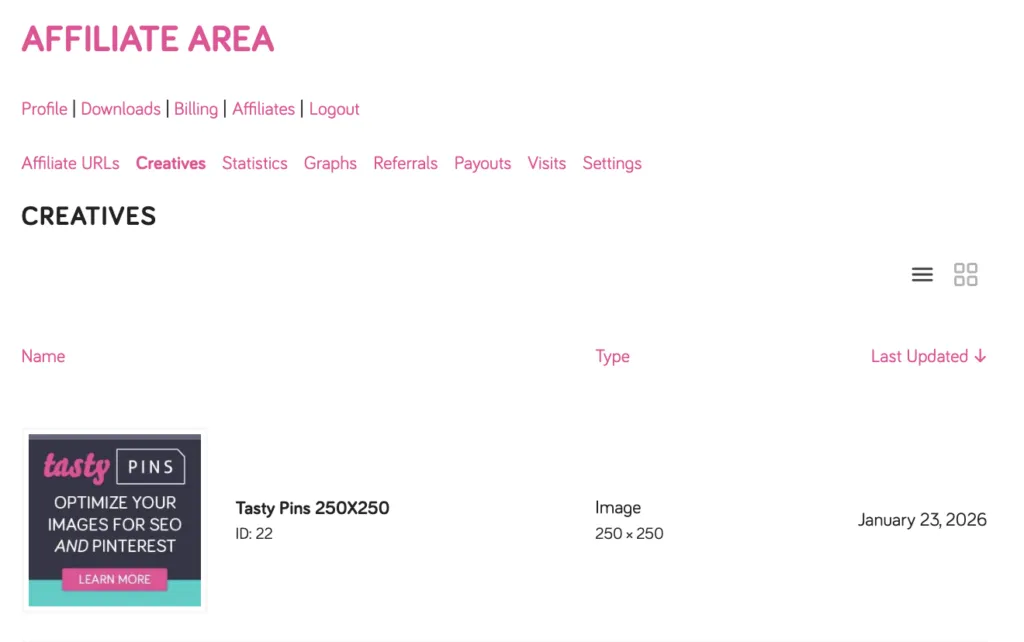
Step 3: Browse the available banners. Click View Details on any banner to see a preview, file size, and dimensions.
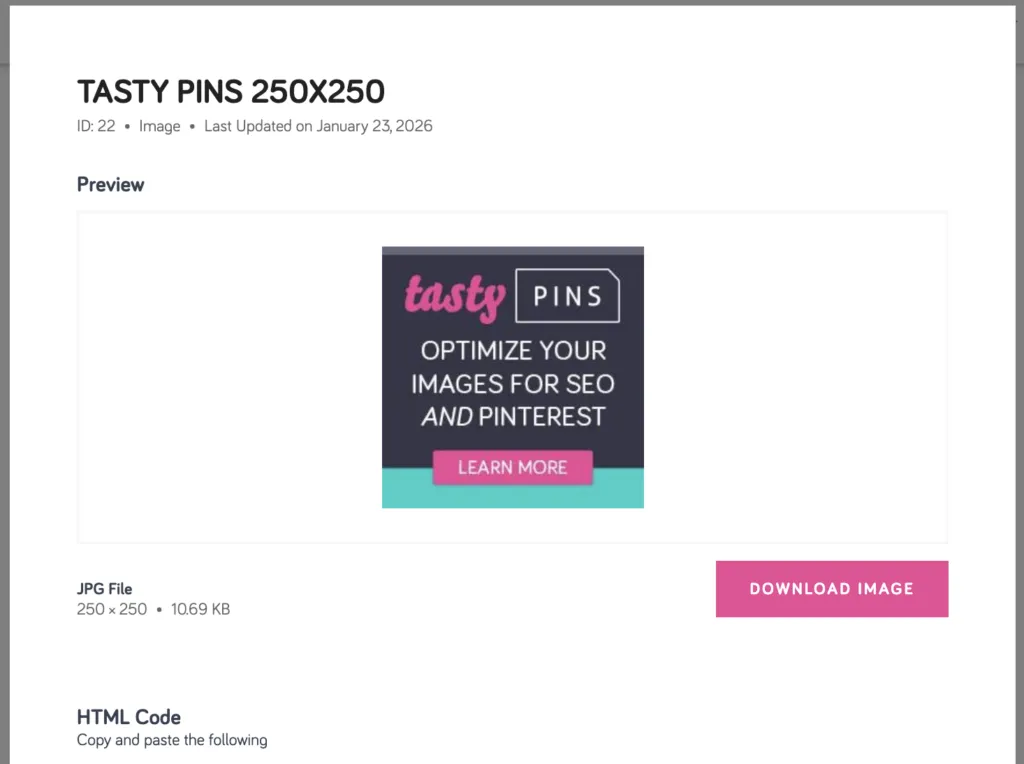
Step 4: You have two options:
- Download Image — saves the PNG file to your computer so you can upload it to your site manually.
- Copy Code — copies the HTML embed code, which already includes your unique affiliate link. This is the easiest option, just paste it directly into your site!
