
How do I know if my banner or link is working?
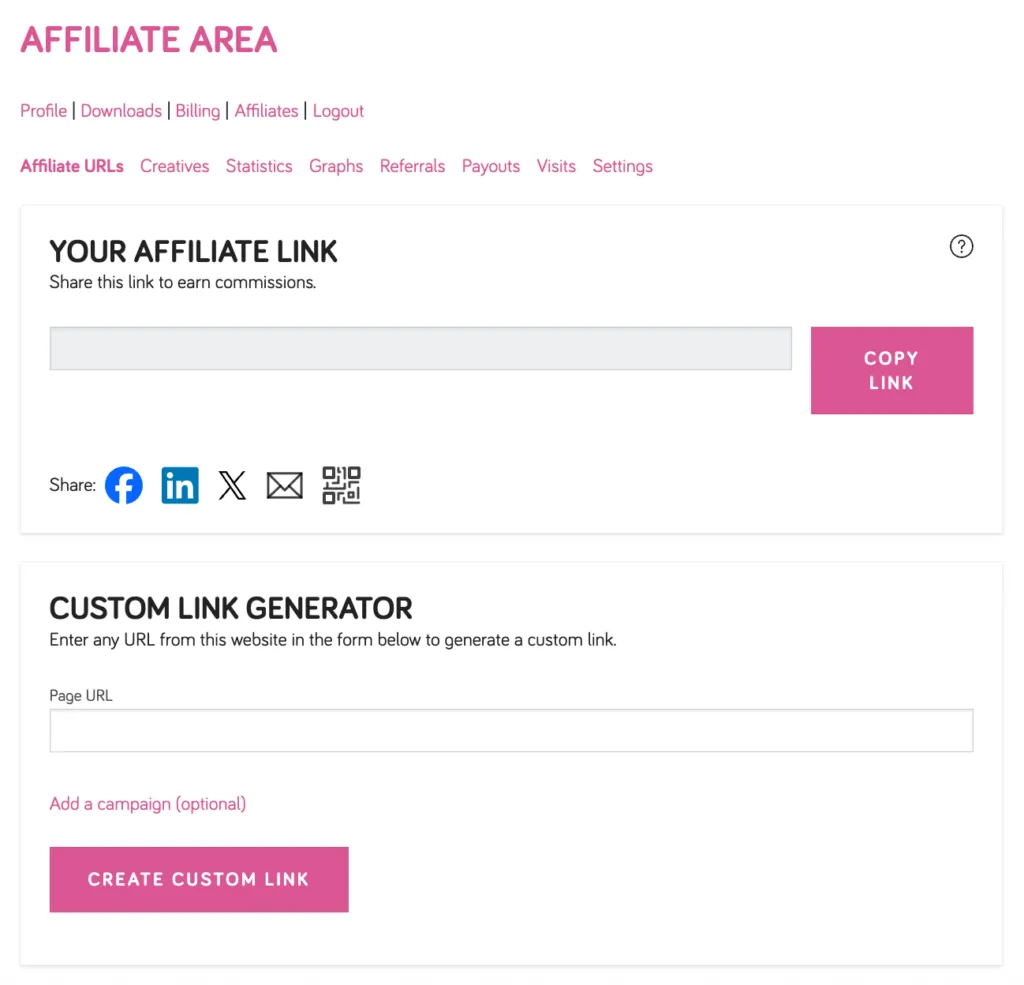
Step 1: Log in to your WP Tasty account and click Affiliates.
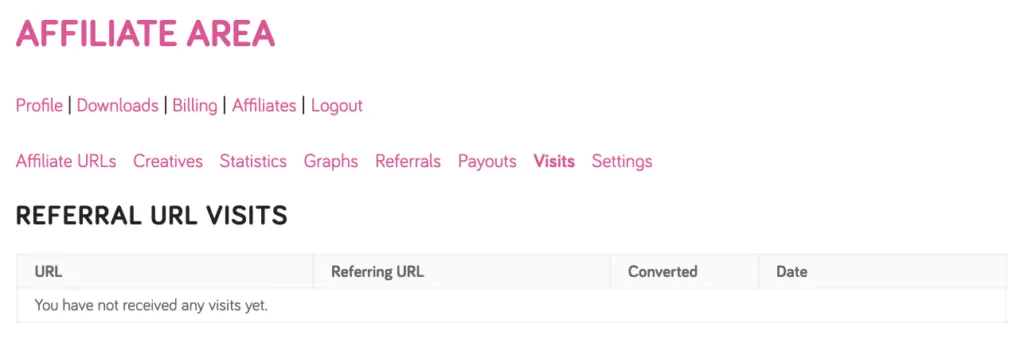
Step 2: Click the Visits tab to see a log of clicks on your affiliate link. If visits are registering, your link is working.
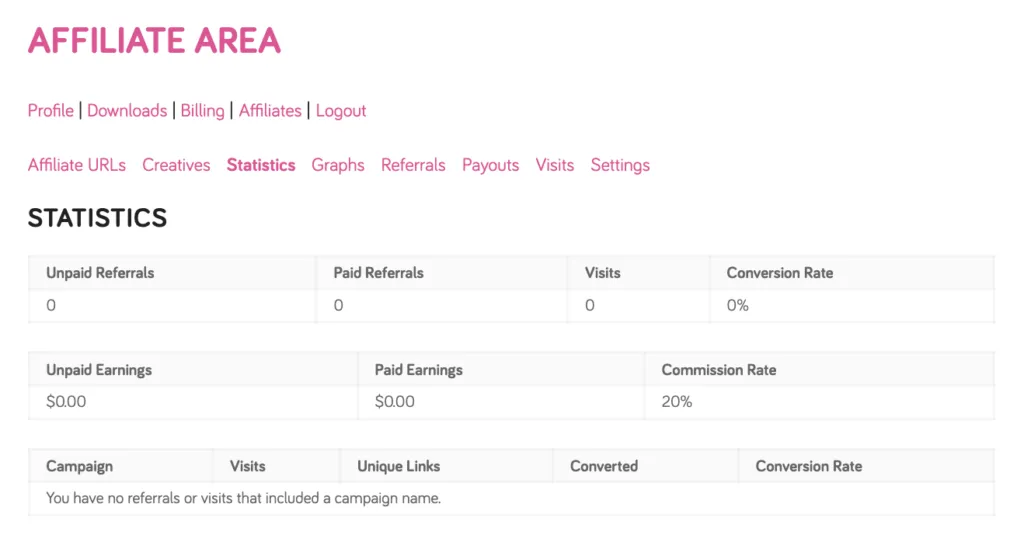
Step 3: You can also check the Statistics tab to see your overall visit count and conversion rate.
If you’ve recently shared your link and aren’t seeing any visits yet, give it a little time — and make sure you’re using the link found in the Affiliate URLs tab of your Affiliate Area.
